How to Save SketchUp Files in Lower Version: The Complete 2026 Downgrade Guide
Cannot open a newer SketchUp 2024, 2025, or 2026 file in an older version? Discover why Trimble removed Save As, 4 real-world workflow workarounds, and how to downgrade .skp files online with zero quality loss.
It is 11:30 PM. Your client presentation is scheduled for 9:00 AM tomorrow. An external collaborator or 3D visualizer just sent over the latest architectural model, and as you double-click the .skp file, you are greeted by the single most frustrating alert box in computer-aided design:
"This file was created in a newer version of SketchUp and cannot be opened."
If you have tried going to File > Save As in newer editions to backsave a copy for a colleague, you have likely realized that the old version list has completely disappeared.
In this comprehensive guide, we will unpack why this compatibility barrier exists, examine the common cross-version scenarios where projects break down, evaluate traditional workarounds, and demonstrate how to use a free online SketchUp converter to safely downgrade your 3D models in under 3 seconds.
1. Why Did SketchUp Remove "Save As Lower Version"?
For over a decade, SketchUp users enjoyed a straightforward backward-compatibility workflow: whenever you needed to share a model with someone running an older desktop edition, you simply navigated to File > Save As and picked an older year—such as SketchUp 2017, 2019, or 2020—from the file format dropdown.
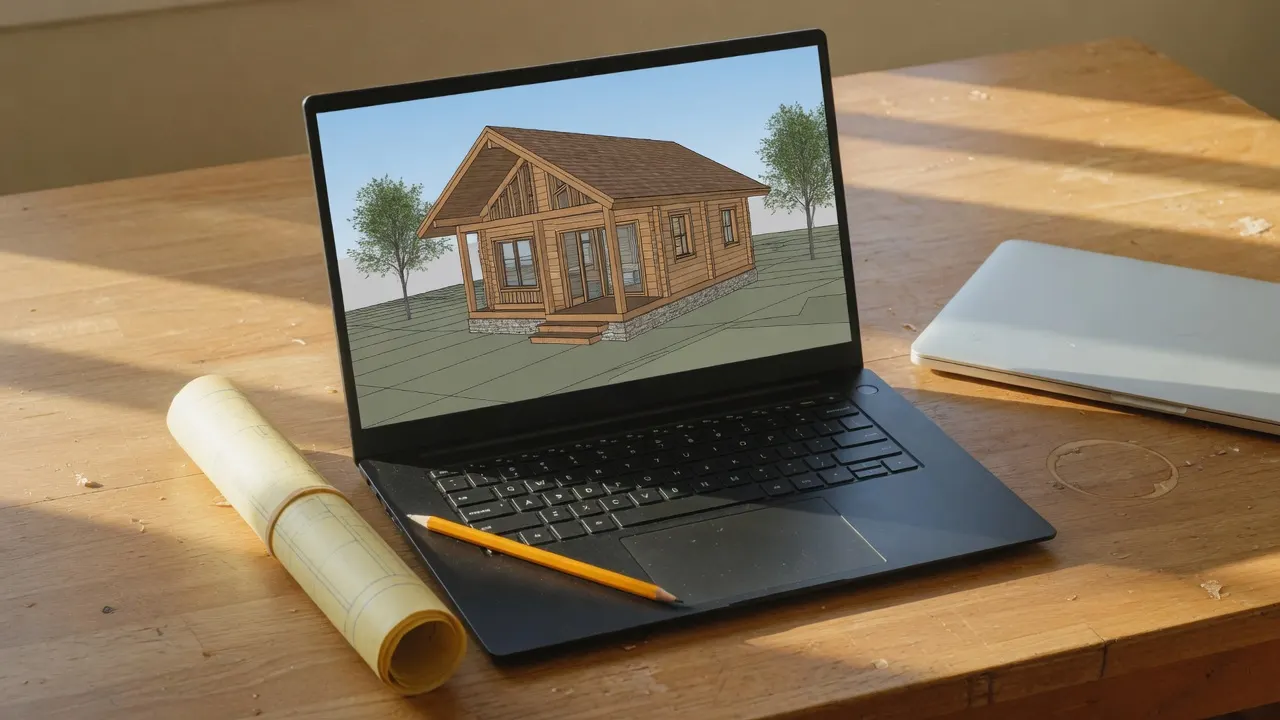
However, starting in SketchUp 2024, Trimble fundamentally altered the desktop application:
- Removal of the Version Dropdown: The desktop client stripped the backward-compatibility file format export list.
- Schema Virtualization: SketchUp shifted toward a rolling subscription format where desktop updates expect users to stay on continuous annual cloud subscriptions.
- 3D Warehouse Downgrade Lockout: Concurrently, the official Trimble 3D Warehouse removed legacy version download selectors (which previously allowed users to pull down SketchUp 2017–2019 versions of community models).
This created an immediate operational friction point across the global design, engineering, and construction (AEC) industry.
2. The 4 Common Scenarios Where Version Incompatibility Breaks Workflows
Version lock rarely affects individuals working alone; it strikes during critical collaborative handoffs. Through analyzing thousands of user queries on SKPDowngrade and CAD forums, four recurring scenarios account for nearly 90% of all version errors:
Scenario A: Client & Contractor Version Mismatch
An architectural firm drafts a comprehensive residential layout in SketchUp 2025 and emails the model to an MEP engineer, interior contractor, or client who maintains a stable perpetual license of SketchUp 2020 or 2017. Because the recipient cannot launch the file, project milestones stall unless someone converts the model—such as using a dedicated SketchUp 2025 to 2020 converter.
Scenario B: The SketchUp Make 2017 Perpetual Community
SketchUp Make 2017 remains one of the most widely used 3D programs in the world because it was the final release offered under a free, perpetual desktop license. Millions of students, hobbyists, woodworkers, and independent makers rely on Make 2017 daily. When downloading modern furniture, fixtures, and appliances from 3D Warehouse, they find that all current uploads default to 2024+ schemas, making a SketchUp 2024 to 2017 converter an indispensable daily tool.
Scenario C: Architectural Rendering Pipelines (Lumion, D5, Enscape)
Visualization engines and real-time GPU renderers often experience a 6-to-12 month lag before updating their geometry import parsers for newly released SketchUp formats. Importing a raw 2025 or 2026 .skp directly into Lumion 12, D5 Render, or Twinmotion frequently triggers immediate application crashes or texture corruption. Downgrading the source geometry to a universally stable schema like SketchUp 2017 or 2021 is the industry-standard fix.
Scenario D: Academic Institutions & Classroom Computer Labs
Universities, colleges, and polytechnic design labs often operate on multi-year institutional software deployment cycles. Students working on personal laptops with trial or student subscriptions of the latest year frequently find that university workstations—locked to 2017 or 2022—refuse to open their semester submissions.
3. Comparing the 3 Traditional Workarounds (And Why They Fall Short)
Before specialized online downgrade tools became available, designers resorted to three makeshift workarounds:
| Method | Estimated Time | Success Rate | Operational Drawbacks |
|---|---|---|---|
| The 3D Warehouse Re-upload Trick | 10–20 mins | ~30% (Declining) | Requires uploading proprietary client files to a public or semi-private cloud; Trimble has increasingly disabled back-version downloading. |
| Pleading with a Colleague with Pro | 1–4 hours | Variable | Relies on someone else's availability, interrupts team workflows, and creates privacy concerns with proprietary client models. |
| Exporting to Intermediate Formats (OBJ / DAE) | 15–30 mins | Poor | Breaks component hierarchies, corrupts smoothing groups, loses scale dimensions, and scrambles UV texture coordinates. |
4. The Modern Solution: Instant Online Conversion with SKPDowngrade
Rather than re-installing heavy software packages or risking geometry corruption through lossy intermediate export formats, SKPDowngrade provides a dedicated, direct C-API conversion pipeline designed specifically to convert SketchUp files to older versions online.
Step 1: Upload Your .skp Model
Navigate to the SKPDowngrade homepage or use our specialized version routes (such as convert SketchUp 2025 to 2017). Drag and drop your .skp file directly onto the upload zone.
Not sure which version created your file? Use our lightweight SKP Version Detector tool to inspect the 32-byte binary header directly in your browser without uploading a single byte.
Step 2: Select Your Target Compatibility Year
From the version selector dropdown, choose the year your collaborator or software pipeline requires:
- SketchUp 2017 (Recommended Universal Default): Delivers near-universal compatibility across Make 2017, legacy renderers, and older workstations.
- SketchUp 2020 – 2023: Ideal for studio environments where teams operate modern perpetual licenses and wish to preserve maximum stylistic details.
- SketchUp 2024: Useful for stepping down bleeding-edge 2025 or 2026 preview files.
Step 3: Instant 3-Second Download
Click Convert & Download. The native C++ engine parses the schema, rewrites the internal entity headers to match the legacy format, and returns the converted model ready for production.
5. Fidelity Breakdown: What Stays vs. What Gets Simplified
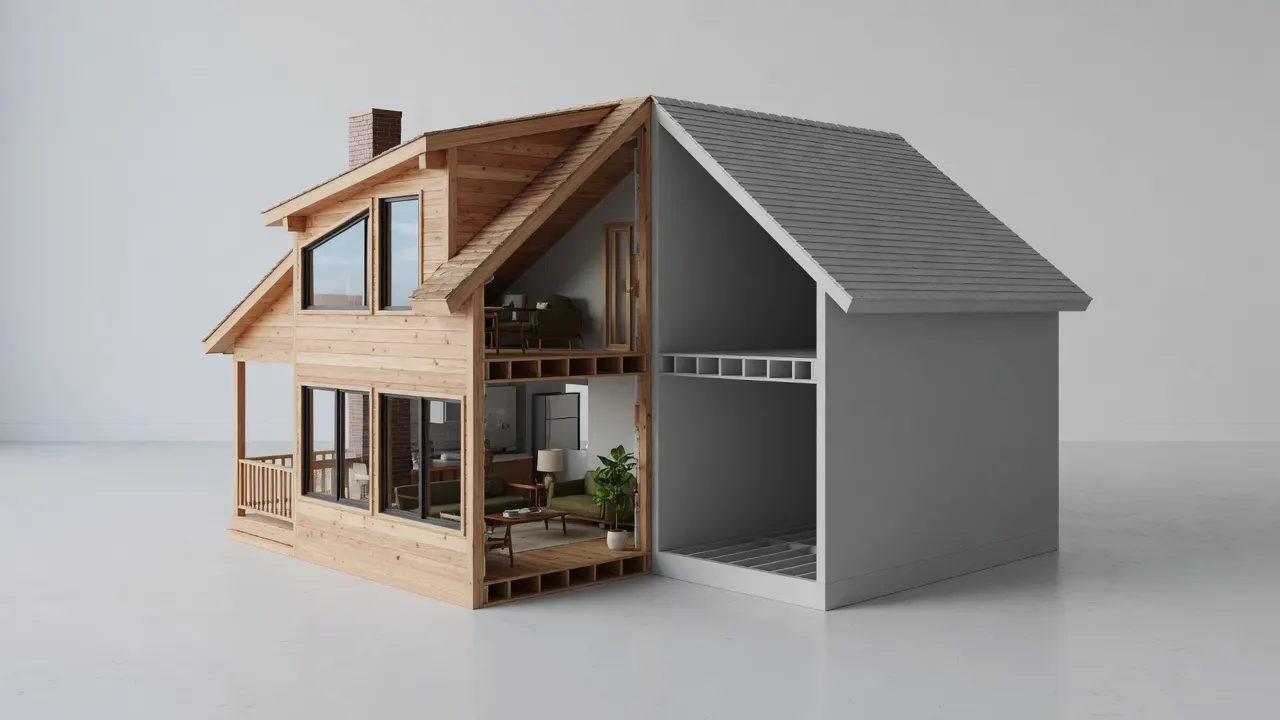
A common anxiety among architects is whether downgrading a model will corrupt weeks of modeling and texturing. Because SKPDowngrade utilizes official C-API serialization rather than converting to third-party polygon meshes, your core geometry remains mathematically identical:
✅ What is 100% Preserved:
- Geometry: All planar faces, edges, curves, and surface normals.
- Component Hierarchies: Nested groups, component definitions, and component instances retain their exact naming conventions and transformation axes.
- Materials & Textures: Diffuse color maps, UV texture coordinates, opacity values, and custom material names.
- Layers & Tags: All layer organizations and tag visibility states persist seamlessly.
⚠️ What May Be Simplified by Older Versions:
- Advanced Scenes & Animation Settings: Camera properties added in 2024+ that legacy versions cannot read.
- Modern Dashed Line Styles: Custom vector line dash patterns introduced in recent editions may revert to continuous lines.
- PBR Shading Properties: Ambient occlusion maps or physical roughness parameters not supported in pre-2023 engines.
6. Flexible Pricing: Transparent, Fair, and Built for Emergencies
Unlike corporate software suites that force you into recurring $349/year subscriptions, SKPDowngrade's Pricing is built around actual designer needs:
- Free Tier ($0): Convert files up to 100MB twice per day completely free, with no account registration required.
- Emergency Pass ($2.99 One-Time): Need to rescue one urgent, large architectural model right now? Pay once, convert files up to 150MB, and download instantly with zero recurring subscriptions.
- Pro Unlimited ($5.99 / month or $39 / year): Best for active architectural studios, interior design firms, and visualization artists who handle daily mixed-version client models. Enjoy unlimited conversions, batch processing, and dedicated high-speed cloud queues.
7. Essential Pro Tips for Mixed-Version 3D Workflows
- Always Retain Your High-Version Original: When downloading a downgraded file (e.g.,
house_model_2017.skp), always keep your originalhouse_model_2025.skparchived. This guarantees you never lose bleeding-edge features if your client eventually upgrades. - Match the Exact Installed Version: While 2017 offers the highest universal safety net, converting to SketchUp 2020 or 2022 will retain more modern layer organization features if your recipient is running those versions.
- Check File Headers Before Trouble-Shooting: Before assuming a file is corrupt when SketchUp throws an error, run it through the Free SKP Version Detector to confirm whether the issue is simply a version mismatch.
Frequently Asked Questions (FAQ)
Can I convert SketchUp files without installing desktop software?
Yes. SKPDowngrade executes all schema rewrites directly in cloud-isolated environments. You only need a modern web browser on Windows, macOS, Linux, iPad, or Chromebook.
Is my proprietary design intellectual property safe?
Yes. All file transfers are secured with TLS encryption. Uploaded models are held in memory/isolated sandboxes and are permanently shredded within 15 minutes of conversion. We never view, inspect, or share your proprietary CAD drawings.
What is the best version to choose for 3D rendering in Lumion?
We recommend selecting SketchUp 2020 or 2017. Both versions have proven, rock-solid import stability across Lumion 10, 11, and 12 without unexpected texture scale distortions.
Ready to unlock that file? Visit the SKPDowngrade homepage or select a specific version bridge like SketchUp 2024 to 2017 to get your model back into production in seconds.